![lenderlogo.png]](https://knowledgebase.lenderhomepage.com/hs-fs/hubfs/lenderlogo.png?height=40&name=lenderlogo.png)
Overview If you're unable to find a lead, borrower, or loan application in your dashboard, don't worry. In most cases, the record has not been lost. The lead may be hidden by filters, assigned to another user, submitted under a different email address, or still processing through an integration.
This guide will walk you through the most common causes and how to resolve them.
Symptoms You may be experiencing one of the following:
- A borrower says they submitted an application, but you can't find it.
- A lead is missing from your dashboard.
- A loan application is not appearing in your POS.
- Search results are not showing a specific contact.
- You expected a lead to be assigned to you, but it isn't visible.
Step 1: Search by Email Address The quickest way to locate a lead is by email address.
- Navigate to your Leads or Contacts section.
- Enter the borrower's email address in the search bar.
- Review all matching records.
Depending on configurations, you may need to switch to Any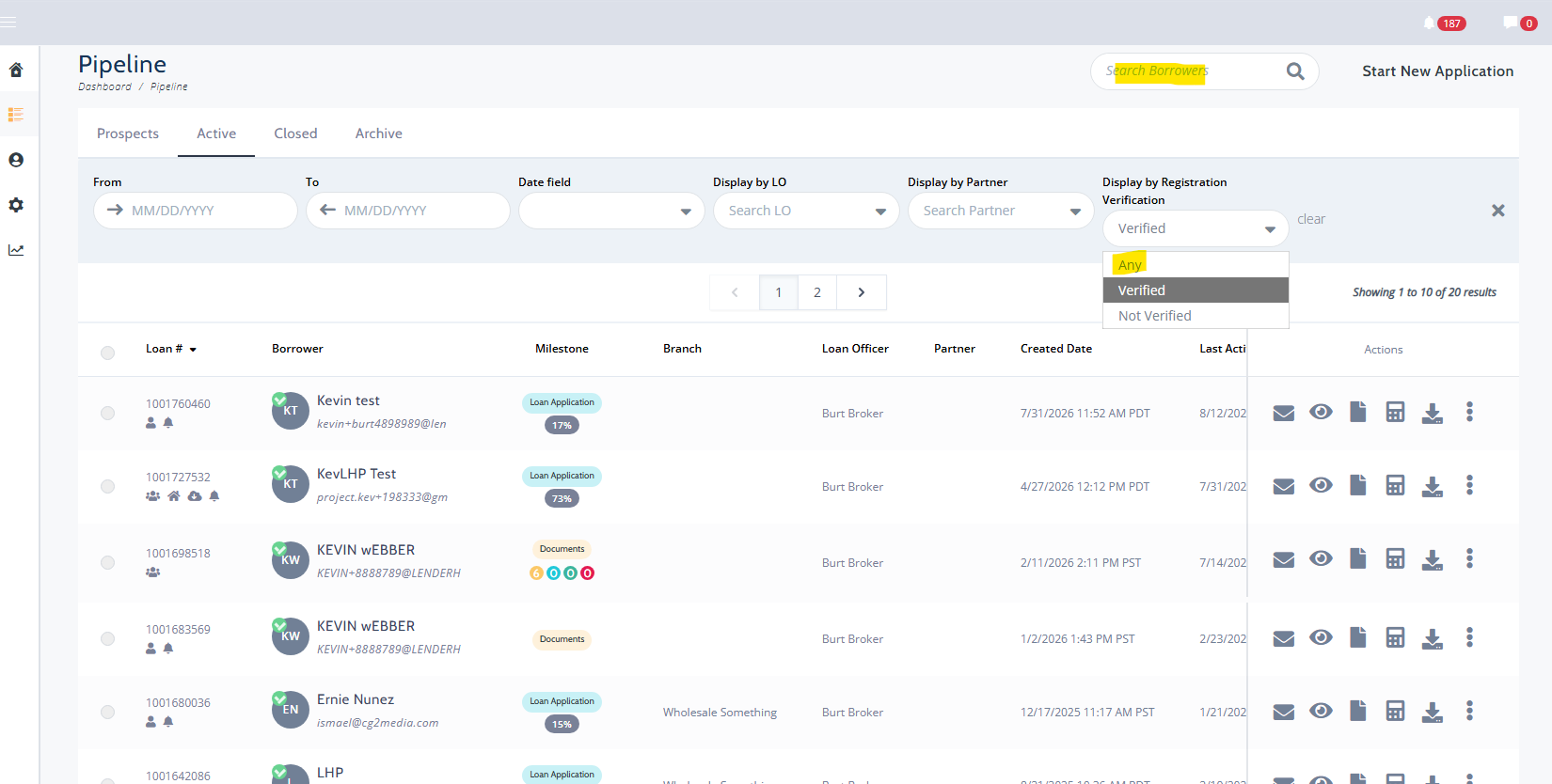
If still not finding borrower details within the Loanzify Point of Sale, it's possible the submission was done on the Website Short-App system which would fall under Website Leads