![lenderlogo.png]](https://knowledgebase.lenderhomepage.com/hs-fs/hubfs/lenderlogo.png?height=40&name=lenderlogo.png)
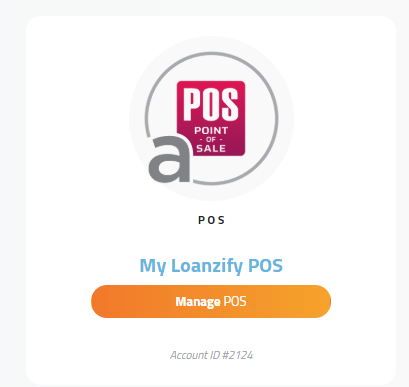
- Login to your Dashboard, and click into your Loanzify POS Service.
2. On the left hand side menu, click on the Gear Icon to expand Settings > Configuration. This is where you can find Platform Configurations, specifically the Main Settings / Domain Prefix.
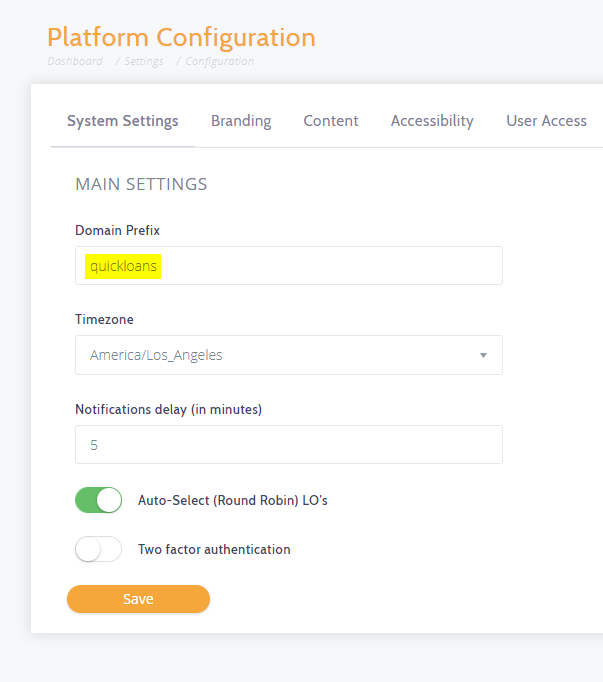
3. In the screenshot above, as an example, our company is QuickLoans. End result would be our Loanzify POS Link will now look like: https://quickloans.loanzify.io
Did this answer your question?