![lenderlogo.png]](https://knowledgebase.lenderhomepage.com/hs-fs/hubfs/lenderlogo.png?height=40&name=lenderlogo.png)
- To create an email list you will need to head over to your Marketing section, and into Email List.
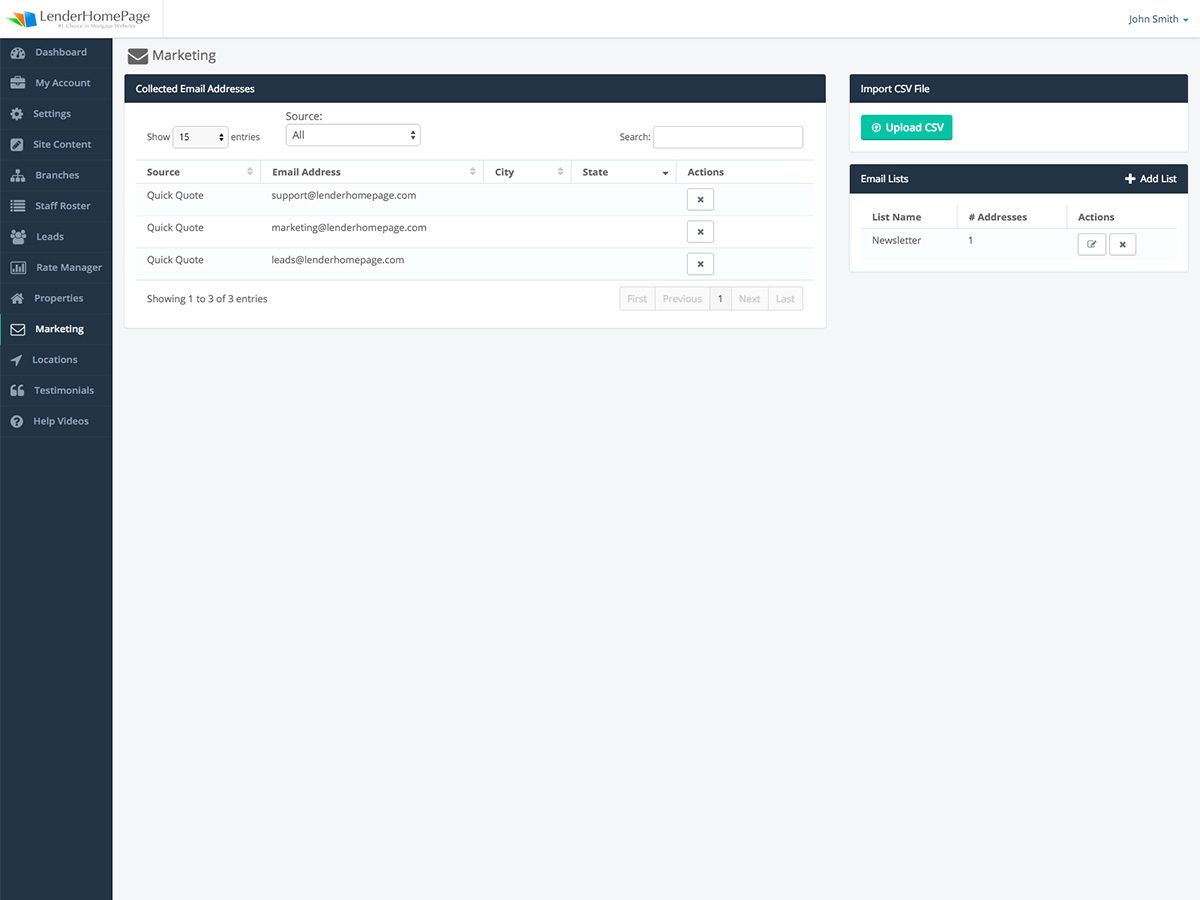
2. Next step will be to upload a CSV. You will see a note "The CSV file should have one unnamed column with one e-mail on each row" - this is very important.
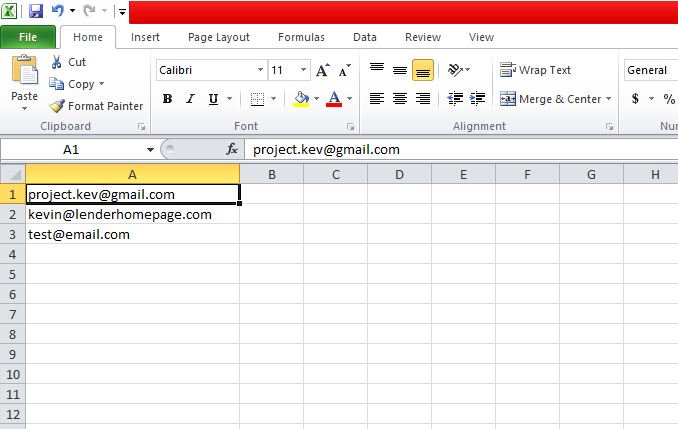
An example of what this may look like in your Excel/Spreadsheets program, make sure you save it as CSV:
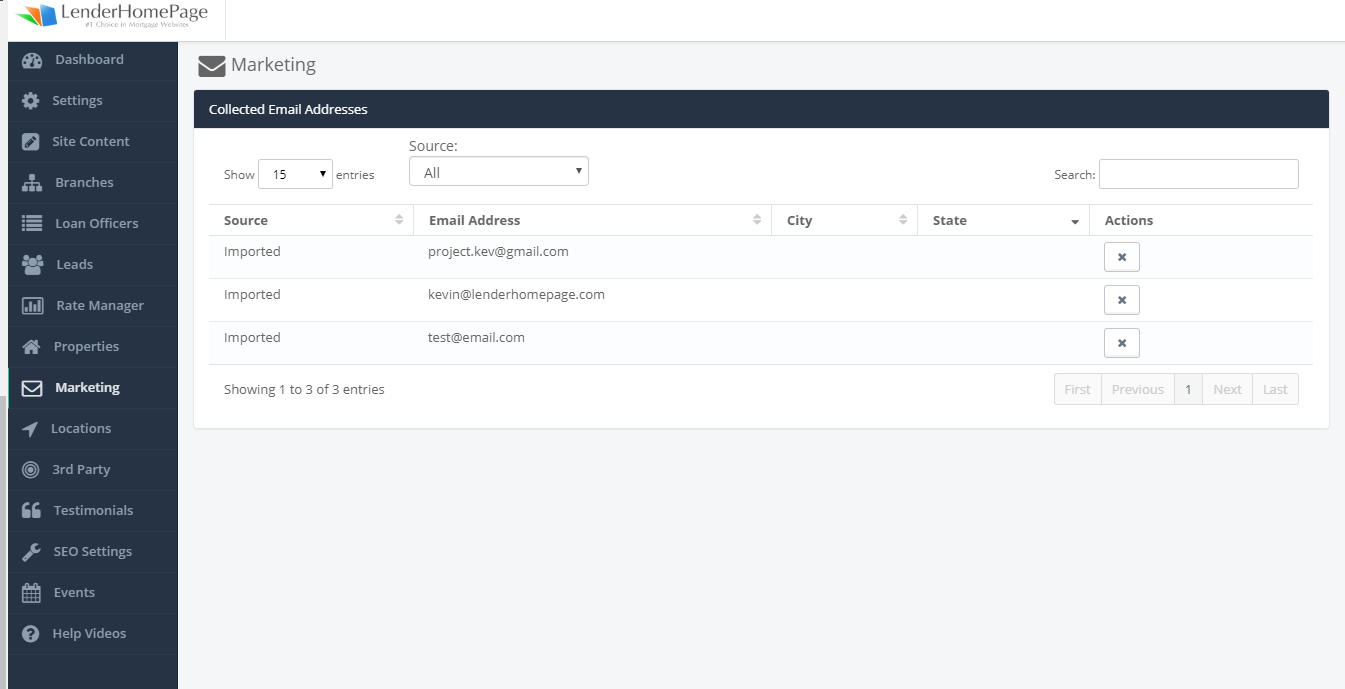
3. Once the Import completes, you will see the imported emails listed:
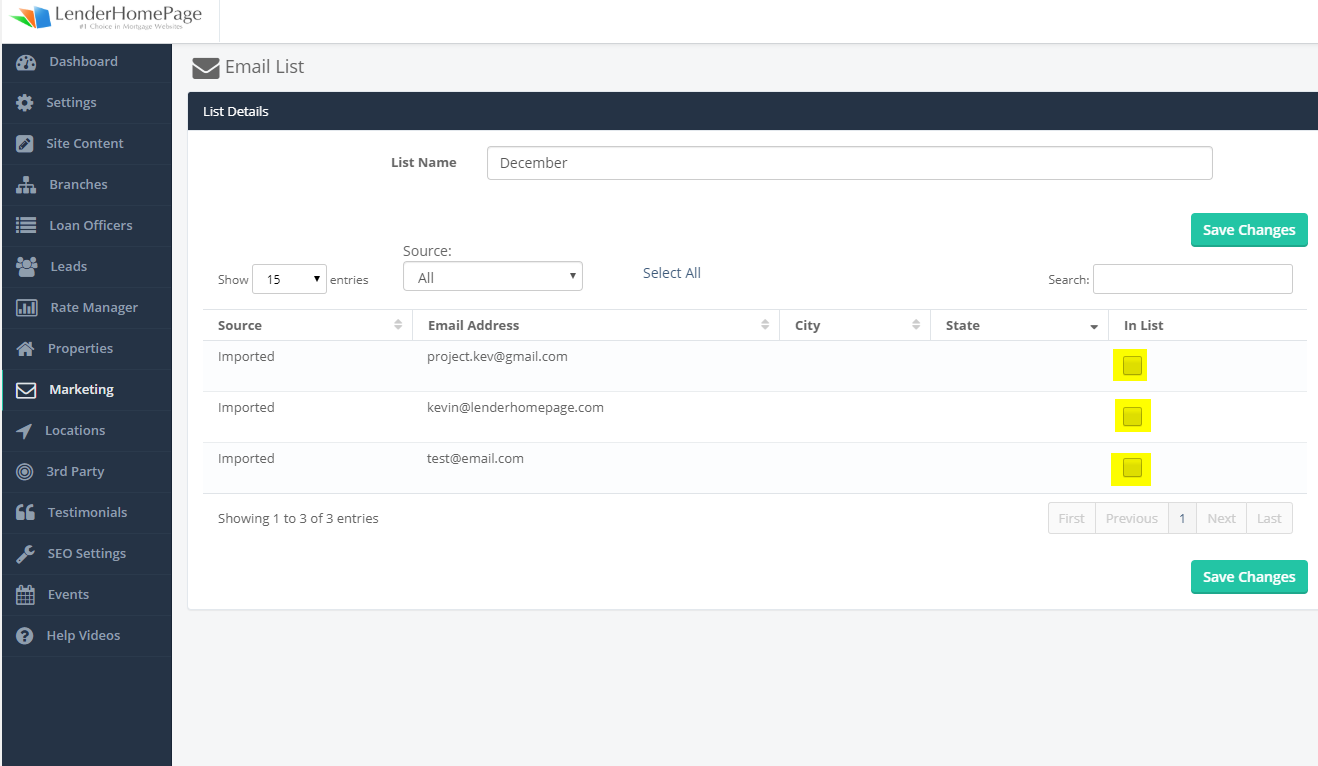
4. Now with the email entries added, you can create a list by clicking Add List and giving providing a Name for this list:
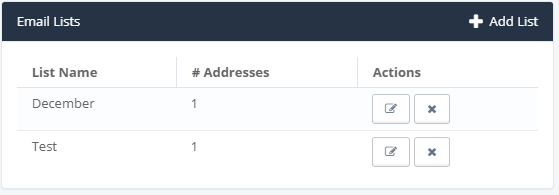
5. You can add the imported users to the list by checking off the following areas and clicking Save Changes.
Did this answer your question?